
Original
5:53:55Automatic tennis video editor
Keep the points. Cut the pauses.
Turn a long tennis recording into an editable short form. Keep the points, remove the changeovers and waiting, then export a match people will actually watch.
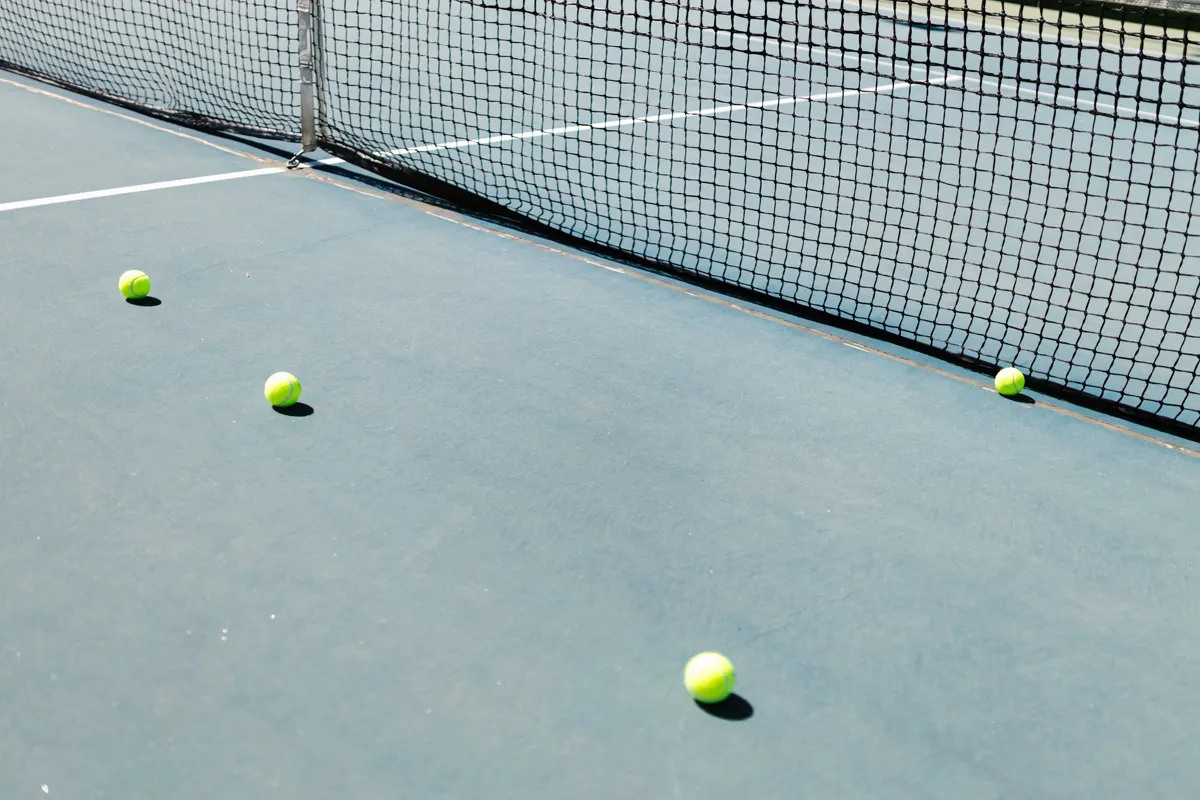
Full match in. Short form out.
Automatic first cut, editable before export.
See what the waiting looks like when it is gone.
Compare the original recording with the rally-only cut. These are real videos, not a simulated product demo.
Processed sample
6:34Rally-only demo
This 6:34 video is a selected excerpt from the 1:34:44 full rally-only video. It is not the complete rally-only result.
Made for tennis
A first cut built around the rhythm of the match.

01
Find the rallies
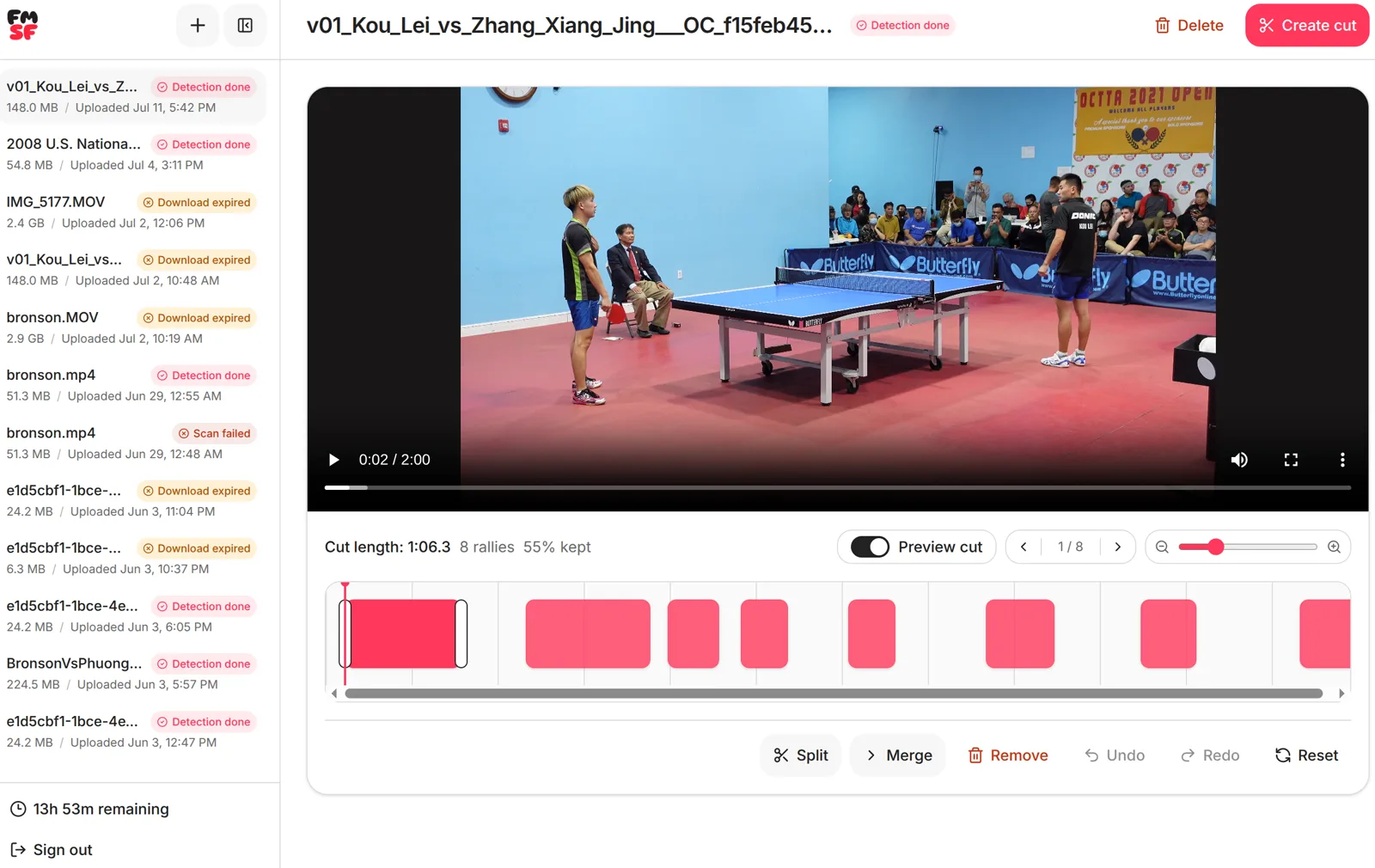
FullMatchShortForm scans the tennis footage and creates the first set of clips.
02
Check the boundaries
Preview only the kept action, then adjust any start or end point that needs attention.
03
Finish your cut
Split, merge, remove, undo, and export without moving the project into another editor.
Recording tips
Give the cut a clear view of the match.
Show the whole court
A stable view from behind the baseline usually gives the clearest full-match picture.
Keep the camera still
Use a tripod, fence mount, or fixed court camera when possible.
Record continuously
Leave changeovers and breaks in the file. The automatic cut is built to remove them.
You do not need studio footage. A clear, stable recording is enough to start. Review the automatic result in the browser and make any final timing changes before export.
Editing another racket sport?
See how the workflow handles table tennis footage.
Turn your next tennis match into a short form.
Automatic first cut, precise browser editing when you want it.